

Claim Your Candle
Choose a candle that fits you
Create a lasting experience that people can return to, explore, and share. Start with the plan that's right for you, and expand as your impact grows.
Choose your plan first. You can add or change destinations after selecting your candle.
CandleMe
Step 1
Choose your level
Pick the plan that fits. You can add doors next - no need to decide everything up front.
Step 2
Add Doors to Your Candle
Every Candle includes the Keeper Door. Add up to three additional Doors for $100 per month, per location, each. A Door subscribed at a location covers every Candle there. Every Door provides three programmable positions.
Keeper Door
Your primary destination and default candle location.
Step 3
Locations & Summary
Number of locations
Claim starts with one billing unit. Create real locations under IDDAS → Locations, then select which locations subscribe to the plan and optional Doors from Billing.
Central billing. Manage all locations from one account.
BILLING TERMS: Subscriptions renew monthly. You may cancel at any time. Your plan remains active until the end of your current monthly billing period. No refunds or prorated credits are provided for unused time.
Still deciding? Learn how activations and candle personalization work.

What Is
An Activation?
An activation occurs when an individual intentionally enters a Candle through a QR code or direct link.
Personalize your Candle in minutes.
A Candle can be personalized with your name, logo, organization, community, event, or identity, etched directly into the experience.
Your Candle
Every Candle may be personalized with
- Your logo
- Organization
- Community
- Event
- Or identity
Your logo is etched directly into the Candle experience.


Plain Candle
Your Branded Candle
Plain Candle
Your Branded Candle
Plain Candle
Your Branded Candle
“Our logo on the Candle makes it unmistakably ours. It becomes a lasting part of the experience.”
Our brand became part of the experience rather than just another giveaway.
Learn How Doors Work
Each Door adds three programmable positions inside your Candle. Use them to guide people to websites, resources, registrations, bookings, videos, contact information, or any external destination you choose.
Start with the included Keeper Door, then add Lightway, Gateway, or Doorway if you want more destinations inside your Candle.
Example Configurations
Every Candle is unique. Here's how organizations use their doors

Retreat Center
Bali
- Keeper
- Retreat Home
- Lightway
- Preparation Materials
- Gateway
- Recommended Providers
- Doorway
- Book Your Next Retreat

Keeper
Your
Information
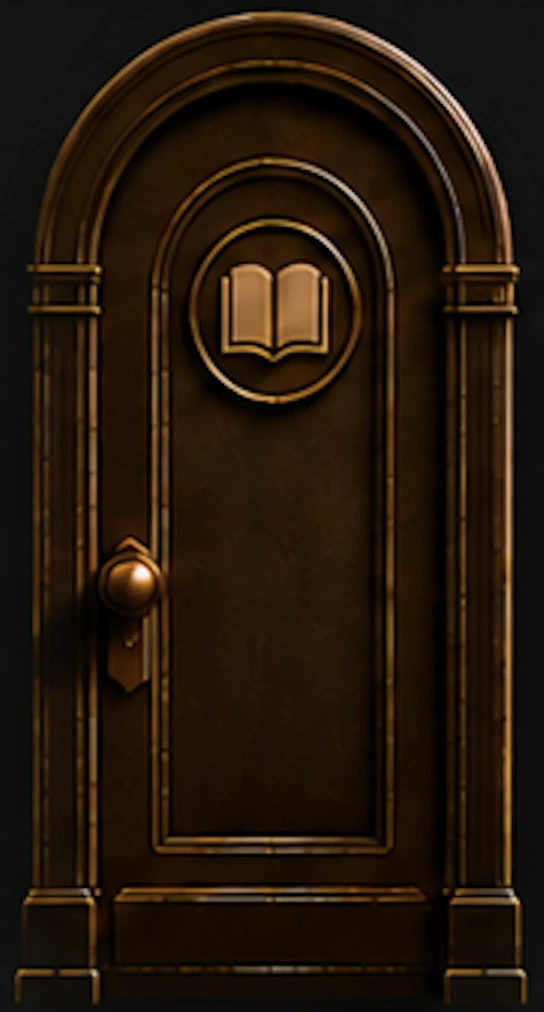
Lightway
Signal
Placement
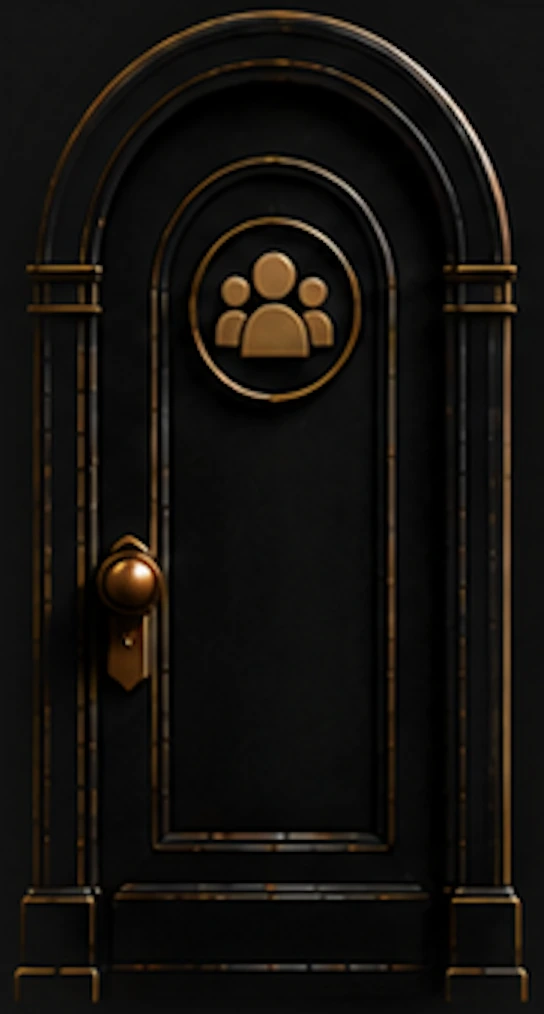
Gateway
Ecosystem
Placement
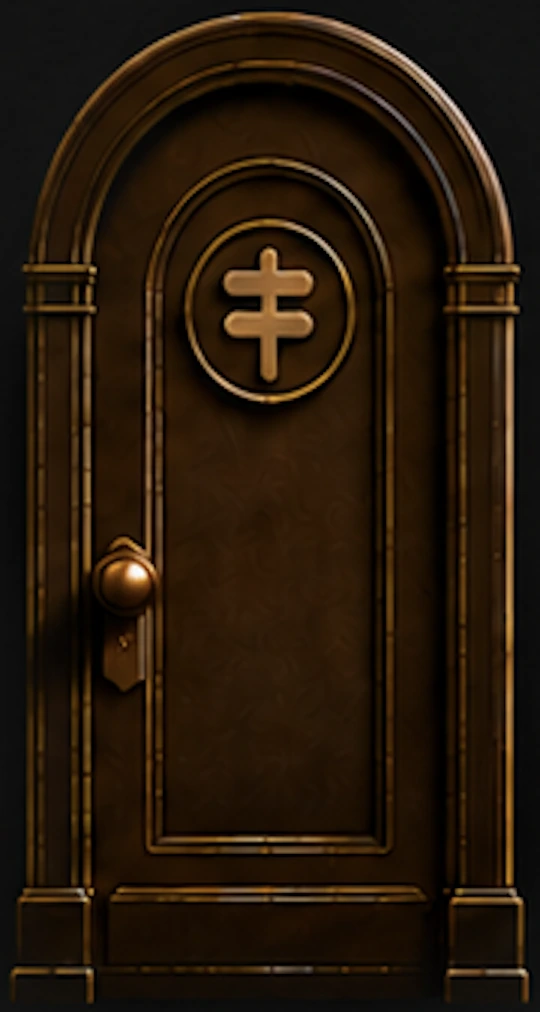
Doorway
Operator
Placement
Expand Your Pathways
Every additional door adds three more programmable destinations.
Add up to three additional doors. Each destination can be changed at any time.
1
Door
3 Destinations
Keeper
2
Doors
6 Destinations

Keeper + Lightway
3
Doors
9 Destinations
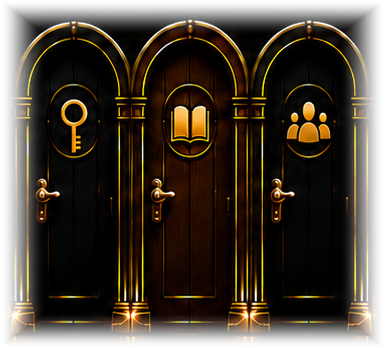
Keeper + Lightway + Gateway
4
Doors
12 Destinations
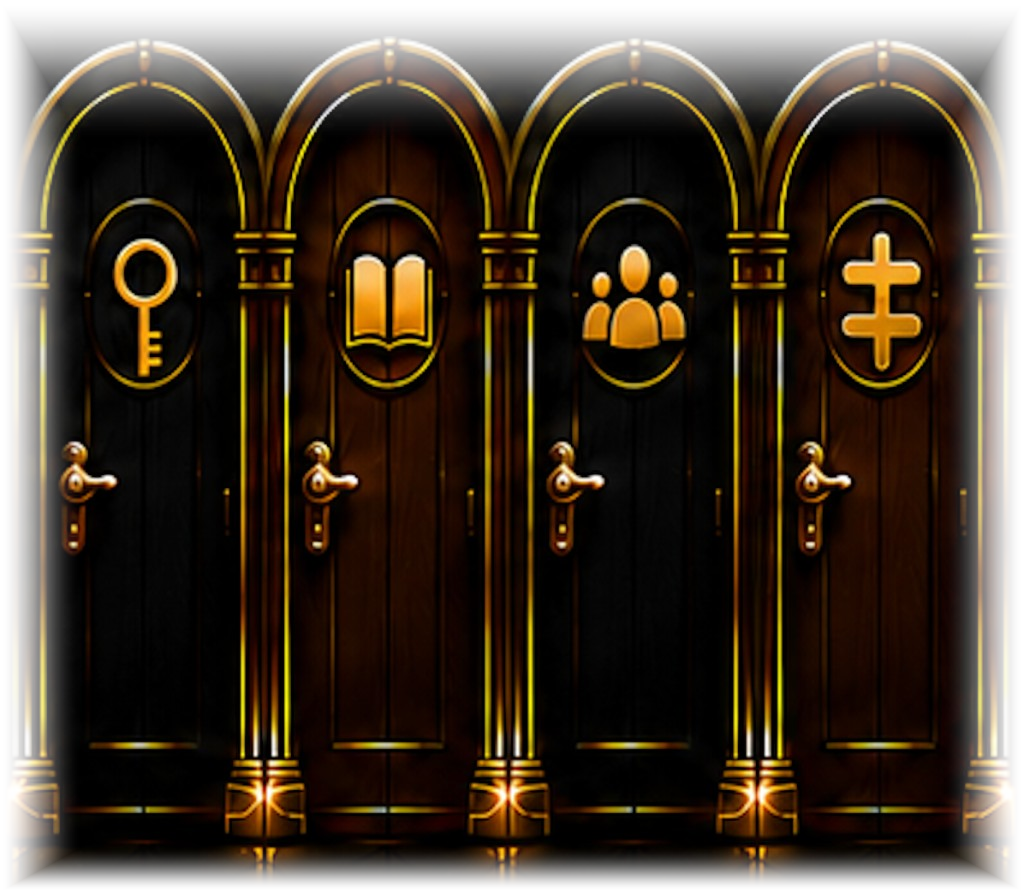
All Doors Active
Every destination can be changed at any time.
After your Candle is active, clients have a simple way to return to you.
Bring Clients Directly To You
Tap the CandleMe logo twice.
This takes clients directly to your information, resources, and destinations inside the candle.
Simple.
Easy to remember.
Easy to share.

You also have a simple way to take ownership of the Candle experience.
Take Ownership of your Candle
This establishes you as the Keeper of the candle.
As Keeper, you control the information, resources, recommendations, and destinations available within your candle.
Step 1
Extinguish the Flame
Step 2
Touch Anywhere on the QR Code
Step 3
Touch the Flame Symbol
Step 4
Touch the Wick to Claim Ownership of the Candle
Step 1
Extinguish the Flame

Step 2
Touch Anywhere on the QR Code

Step 3
Touch the Flame Symbol

Step 4
Touch the Wick to Claim Ownership of the Candle

The easiest way to understand the Candle is to experience it.
Scan the Candle
to Experience
It for Yourself
CandleMe turns a single scan into a continuing relationship. Clients can return, explore, share, and reconnect, without needing to search for you again.
Ready to Claim Your Candle?
Choose the plan that fits you now. You can start simple, add doors later, and update your Candle as your needs grow.